
Bubbles
Check air, moisture and mixing first
Do not start by blaming machine speed. Bubbles usually come from trapped air, moisture, resin handling or unstable mixing.
Tacky curing
Check ratio and curing condition
Unexpectedly soft or sticky domes can point to mixing-ratio errors, incomplete mixing, low temperature, resin age or incorrect cure-time assumptions.
Uneven height
Check volume, Z height and surface flatness
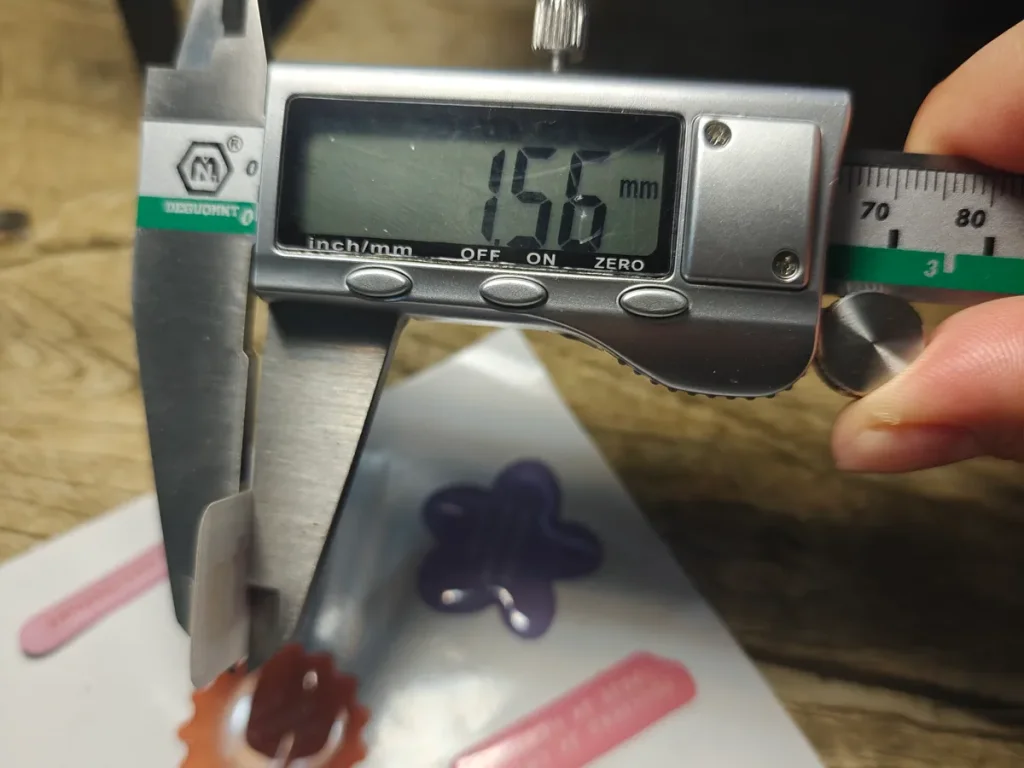
When dome height changes across a sheet, the cause may be pump calibration, nozzle height, product flatness or resin viscosity drift.
Quick Answer
Most resin doming defects can be traced to one of four areas: resin selection, material surface, dispensing setup or production environment. A better machine can improve movement and repeatability, but it will not automatically fix bubbles, poor curing, yellowing or adhesion failure if the resin process is wrong.
Use this troubleshooting guide as a first filter before changing machines, resin suppliers or production settings. Start with the visible symptom, check the easiest causes first, then confirm the fix with real samples.
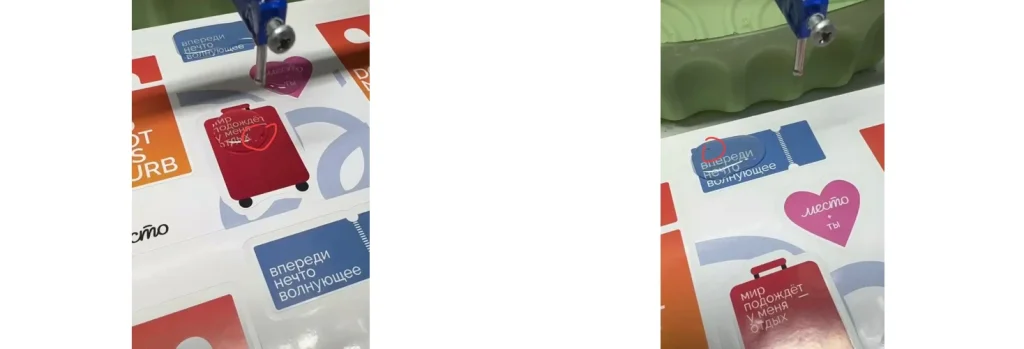
Start With the Symptom, Not the Machine
A common buying mistake is to treat every defect as a machine problem. The machine matters, but different defects come from different parts of the process.
- The machine controls: dispensing path, speed, Z height, repeat movement, pump output and positioning stability.
- The resin controls: curing behavior, bubble release, hardness, flexibility, UV resistance, edge control and final gloss.
- The product controls: surface adhesion, flatness, ink compatibility, edge design and how resin flows near the boundary.
- The environment controls: temperature, humidity, dust, moisture exposure and curing consistency.
If you are still choosing between epoxy and polyurethane, compare the epoxy vs polyurethane doming resin guide. If the problem is product layout or machine type, start from the doming machine selection center.
Fast Troubleshooting Table
| Visible Problem | Check First | Likely Direction |
|---|---|---|
| Air bubbles inside the dome | Moisture, mixing air, resin degassing, dynamic mixer configuration, dispensing pressure | Control resin handling before increasing machine speed. |
| Surface bubbles or pinholes | Substrate contamination, dust, trapped air on printed surface, resin viscosity | Improve cleaning, surface testing and resin flow behavior. |
| Tacky or soft curing | A/B ratio, mixer condition, resin age, temperature, cure time | Confirm ratio and curing condition before changing resin type. |
| Uneven dome height | Nozzle height, pump output, product flatness, sheet fixture, viscosity drift | Recalibrate dispensing volume and check Z height across the sheet. |
| Overflow at the edge | Dispensing volume, edge design, resin viscosity, product spacing | Reduce volume, adjust path offset or test a resin with better edge holding. |
| Yellowing or haze | Resin formula, UV exposure, mixing, cure condition, material compatibility | Review resin selection and run aging checks on real samples. |
| Poor adhesion or peeling | Ink, coating, film, metal finish, surface cleaning, curing condition | Test adhesion on the actual production material, not only a sample board. |
Common Defects and What They Usually Mean
Air bubbles
Usually a resin handling problem
Check whether air is introduced during mixing, whether the resin absorbed moisture, whether the dynamic mixer configuration is suitable and whether vacuum degassing is needed.
Incomplete curing
Usually a ratio or cure problem
Confirm the A/B ratio, mixer condition, tank temperature, resin shelf life and curing time. A good-looking wet dome can still fail if the chemistry is not complete.
Height variation
Usually a volume or surface problem
If the same program creates different heights, check product flatness, fixture stability, nozzle distance, pump output and resin viscosity over time.
Yellowing
Usually a resin and environment problem
Outdoor decals, automotive parts and sunlight-exposed labels should be tested for UV resistance instead of assuming one resin works for every product.
For resin choice, the doming resin center explains how epoxy and polyurethane resin fit different products. For production stability, accessories such as mixers, nozzles, hoses, heating parts and spare components may also matter. See the doming machine accessories page when defects are connected to worn or unstable dispensing parts.
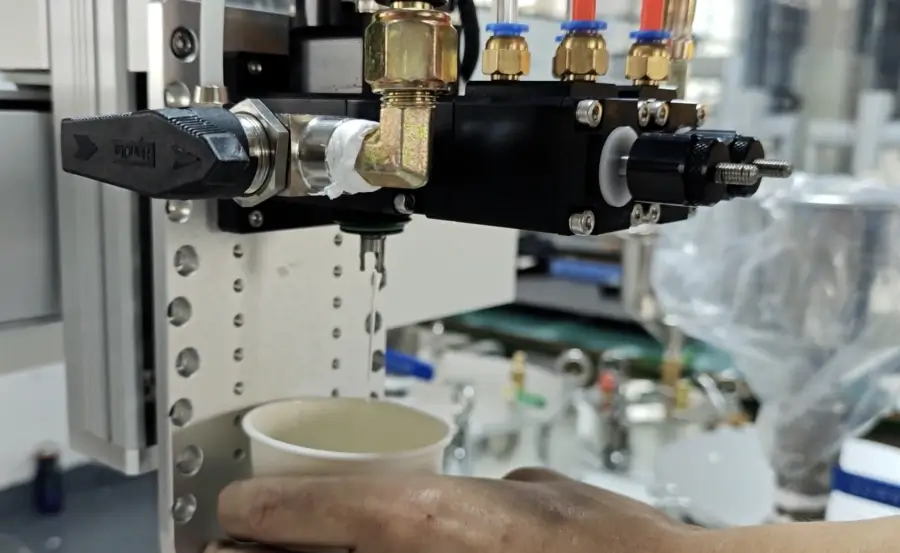
When the Machine Setup Is the Real Issue
Some defects do come from the machine setup. The key is to identify which part of the machine is connected to the visible defect.
- Semi-auto machines: operator hand movement can cause inconsistent path, volume overlap and uneven dome height. They are still useful for samples and small batches, but not ideal when repeat output becomes the bottleneck.
- 3-axis automatic machines: regular sheets benefit from saved paths and stable Z height. If the product is arranged consistently, automation can reduce human movement variation.
- CCD vision machines: camera alignment helps when product or print positions vary beyond practical fixture control. Holes or cutouts alone do not require CCD. CCD does not solve resin curing, yellowing or bubble problems by itself.
If your defect appears only when production volume increases, compare the PJ180 semi-auto machine, 3-axis automatic doming machine and CCD vision doming machine. Choose based on the actual bottleneck, not only on the most advanced model.
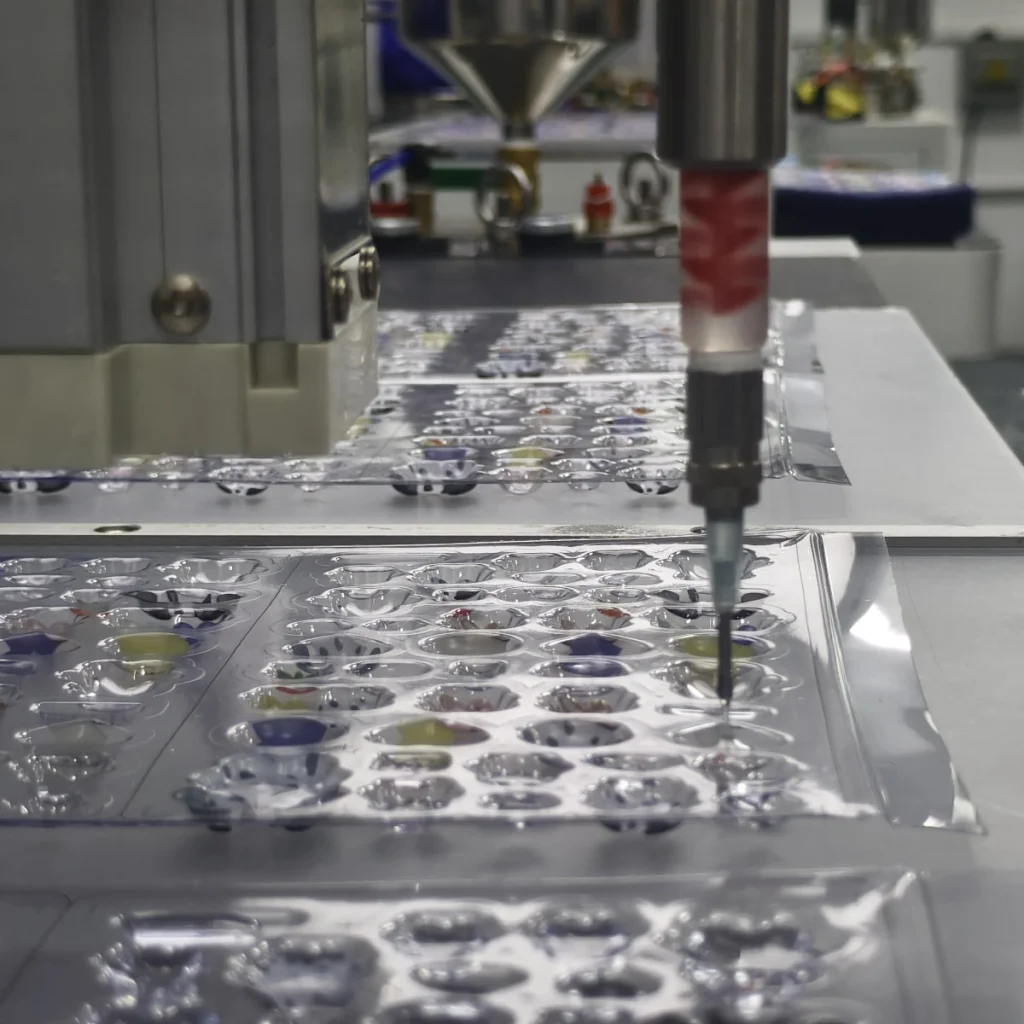
Application-Specific Checks
The same defect can mean different things in different products. A bubble on a small indoor badge is not the same risk as a bubble on an outdoor industrial warning label.
- Domed decals: check edge control, flexibility and whether the decal will be bent or used outdoors.
- Industrial labels: check chemical exposure, temperature, surface cleaning and long-term readability.
- Nameplates: check printed ink, brushed metal, coating, lamination and adhesion before bulk production.
- Automotive emblems: check UV, heat, washing, outdoor aging and positioning risk more strictly.
The application guides for domed decals, domed industrial labels, domed nameplates and automotive emblems give more specific product requirements.
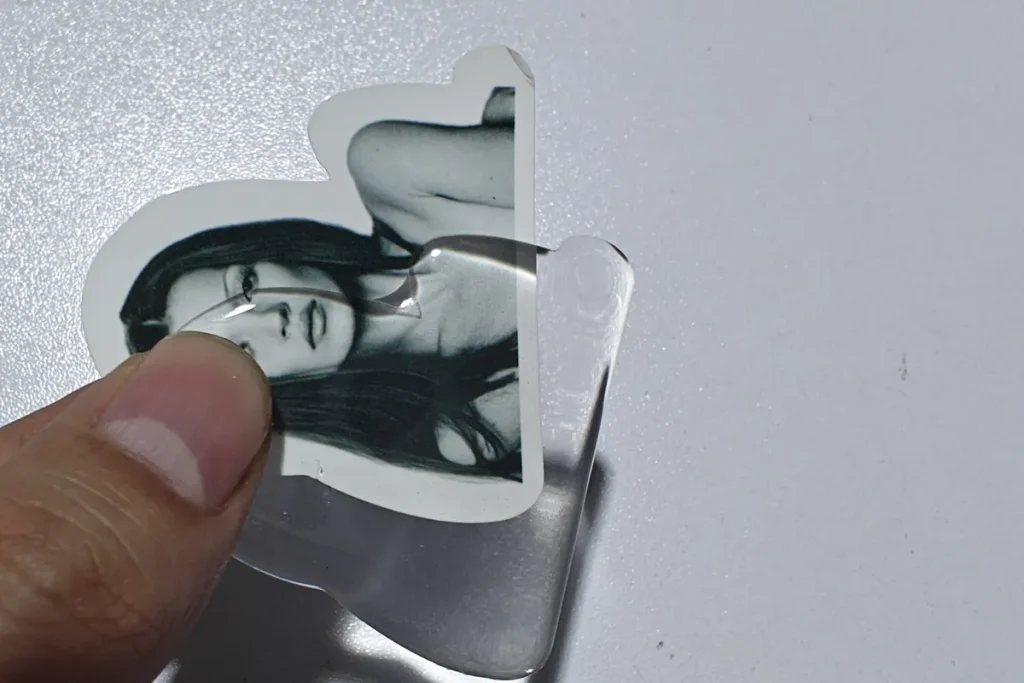
A Practical Diagnosis Workflow
- Record the symptom: bubble, tacky curing, height variation, overflow, haze, yellowing or poor adhesion.
- Check whether the defect is repeatable: one sample, one sheet, one batch or every production run.
- Separate machine movement from resin behavior: positioning errors point to machine and fixture; curing and yellowing point more toward resin and environment.
- Test one variable at a time: changing resin, nozzle, speed and curing condition together makes the cause harder to identify.
- Confirm on real material: printed ink, coating, film, metal finish and surface cleaning can change the result.
This workflow keeps troubleshooting practical. It also helps you send clearer information when asking for support: product photo, material, resin type, machine model, defect photo, production volume and current settings are more useful than simply saying the machine is not working.
FAQ
What is the most common cause of bubbles in resin doming?
Common causes include trapped air during mixing, moisture in the resin or environment, unsuitable mixer or nozzle setup, and air trapped on the product surface. Machine speed can affect the result, but it is rarely the only cause.
Why is my resin dome still tacky after curing?
Check the A/B ratio, static or dynamic mixing condition, resin shelf life, curing temperature and actual cure time. If the mixture ratio is wrong or mixing is incomplete, extra waiting time may not solve the problem.
Can CCD vision fix uneven dome height?
No. CCD vision helps align the dispensing path with the product position. Uneven height is usually connected to dispensing volume, nozzle height, product flatness, resin viscosity or pump calibration.
Why does resin overflow past the edge?
The common reasons are too much resin, low viscosity, weak edge design, wrong path offset or insufficient spacing between products. Reduce volume and test edge control before changing the whole machine setup.
Should I change resin or adjust the machine first?
Start with the visible symptom. Curing, yellowing, haze and flexibility usually point toward resin selection and process control. Positioning, repeatability and uneven path usually point toward machine setup, fixture or program design.
Final Check Before You Change the Setup
Before changing resin supplier, machine type or production method, confirm what the defect is actually telling you. The most reliable fixes come from matching the symptom to the right cause: resin behavior, product surface, dispensing setup or production environment. Once that is clear, machine selection, resin testing and accessory replacement become much easier decisions.